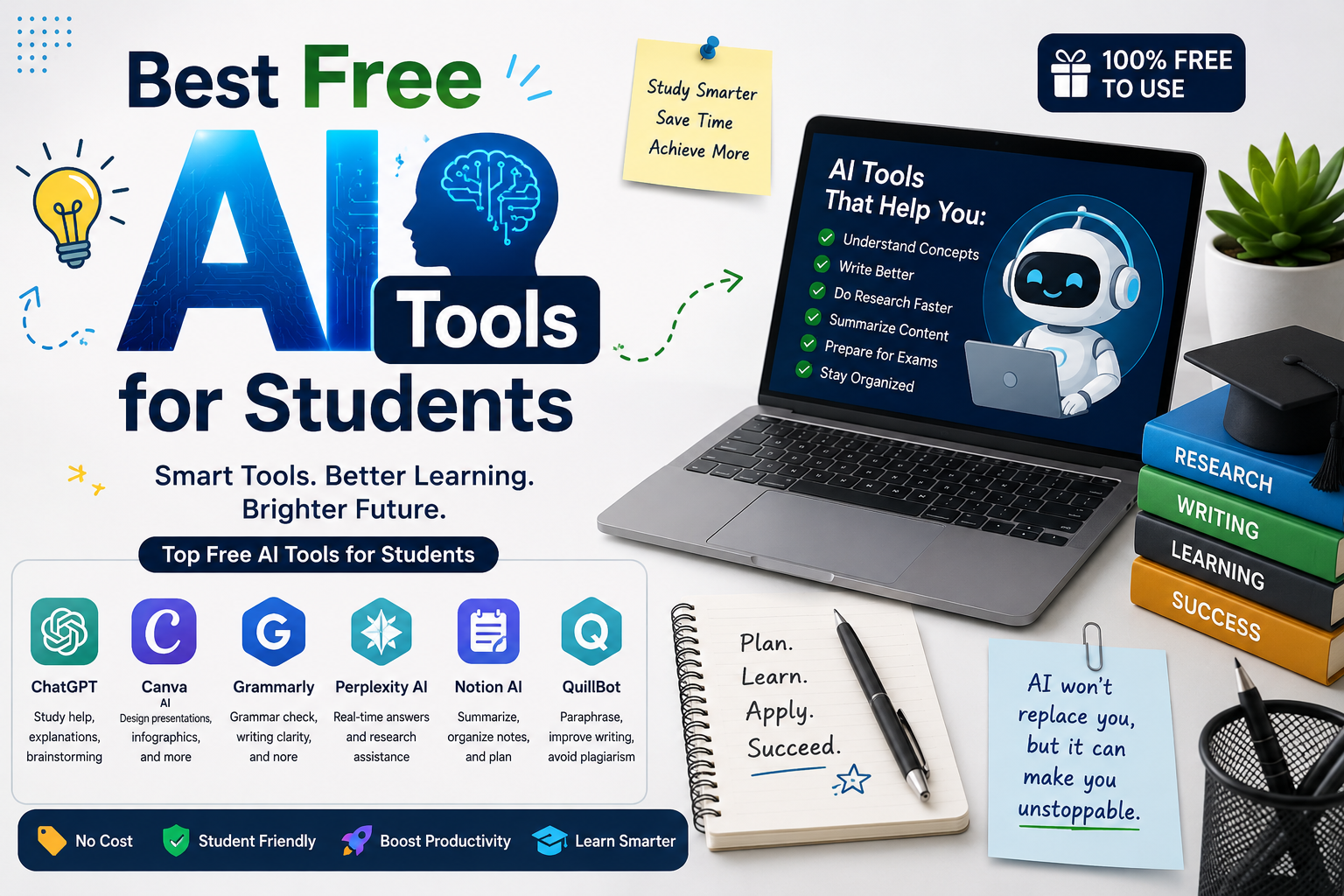
AI has emerged as a study partner that is very much ‘real’. Tools can help students conquer difficult areas, structure their research, enhance their writing and prepare for tests. AI’s potential is in augmenting, not replacing, human learning, not critical thinking. There are some sites that offer free plans, but with various features.
ChatGPT-Best All-Round Study Assistant
ChatGPT is a multifunctional tool to help students. It can generate questions to practice, review drafts, give an overview of the material, and explain theories, summarize material, and guide through problems. It helps when it’s not just about an answer but understanding, with its Study Mode.
Students can use it to:
- Break complex concepts into manageable explanations
- Build revision schedules and study guides
- Practice interviews, quizzes, and oral examinations
- Improve grammar, structure, and clarity
- Explore alternative arguments for essays
Google Gemini-Strong for Research and Google Workflows
The benefit of Gemini for students is that they can take advantage of Google services, making it convenient. You may find that it could assist you brainstorm, summarize, pose research questions, and do document-based activities. It can solve the integration of the academic organization more smoothly by virtue of seamless integration with Google’s ecosystem.
It works well for:
- Summarizing material
- Generating study questions
- Comparing concepts
- Brainstorming projects
Notebook LM-Best for Notes and Course Materials
The most distinctive feature of Notebook LM is that it is based on the students’ own resources. Students can post any notes, PDF, lecture material or other file and ask questions about the material. This can help make it valuable for revision as the conversation can stay within the content being studied.
Share the content, take an overview of the course, mark the parts that are confusing, and create questions. Is also capable of creating audio overviews, for flexible revision.
Perplexity-Best for Source-Based Research
The sources supplied as part of the responses in Perplexity can be useful for students doing research, when they can check it. Students don’t have to take the answer at face value given by an AI; they can use the cited source to guide them in discovering the original source.
Use it to:
- Discover relevant sources
- Explore unfamiliar research topics
- Fact-check claims
- Compare viewpoints
- Locate information for preliminary literature searches
When citing sources always open and analyze the original source.
Grammarly-Best for Writing Improvement
If someone has finished a paper, but it could use some polishing, Grammarly can help. It’s free, and it may assist you pinpoint grammatical errors, word choice errors, and clarity issues. Students can learn from the feedback on areas that may need improvement in their writing and use it to improve their own writing style over time, but not to copy the entire paper.
GitHub Copilot-Best for Coding Students
Coding tools that use Artificial Intelligence such as GitHub Copilot can be beneficial to students learning how to code. Students can use AI coding tools such as GitHub Copilot to help them learn to write code. It can propose code, provide explanations of programming logic, aid in debugging and to assist students when learning new syntax. Students should not blindly take the code generated and should think of each suggestion.
Smart Ways to Use Free AI Tools
The most powerful workflow is one where various tools are used for varying academic tasks.
- Use ChatGPT for explanation and brainstorming.
- Use Notebook LM for personal notes and PDFs.
- Use Perplexity for source discovery and fact-checking.
- Use Grammarly for language refinement.
- Use Gemini for productivity and Google-based workflows.
- Use GitHub Copilot for programming support.
Check out key points, secure personal data, and abide by academic-integrity guidelines of your institution. Use AI to enhance understanding, rather than create work you don’t understand.
Conclusion
Students can get a head start on their studies without having to pay for a subscription with the help of free AI tools. Select the appropriate tool for the job, check the results of the tool and take responsibility for the completed work. Artificial Intelligence can be an effective tool to minimize repetitive work, and improve time for students to analyze, question, practice, and learn, when used appropriately.
FAQs
1. Which free AI tool is best for students?
ChatGPT is the most powerful general-purpose AI tool, whereas Notebook LM is great for learning about one’s own educational content.
2. Can students use AI for assignments?
Use it for teaching, brainstorming, feedback and research support, not for plagiarized AI-generated text.
3. Is Notebook LM free for students?
Notebook LM is free, with features and usage restrictions possibly subject to change.
4. Which AI tool is best for academic research?
Students should use Perplexity to find and check sources but go back to the original academic publications.
5. Can AI help students prepare for exams?
AI can generate questions, explanations, revision plans, flash cards and mock questions.
6. Is using AI considered cheating? This is dependent upon the rules of the institution and the tool’s use and implementation. Adhere to all academic-integrity policies of your instructor.